Creating a design system from the ground up
The problem
No rules for buttons, colors, icons or type, and no components in Figma.
- Inconsistencies across the platform
- Slow design work, with lots of copying and pasting
- Accessibility issues, like low color contrast
Heuristic analysis
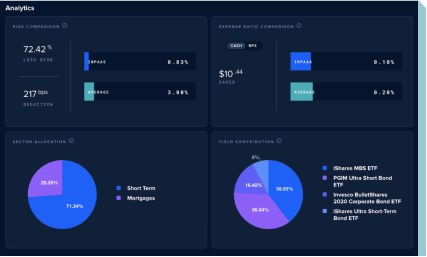
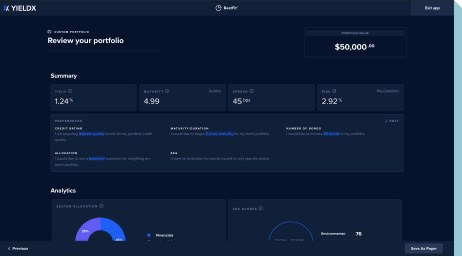
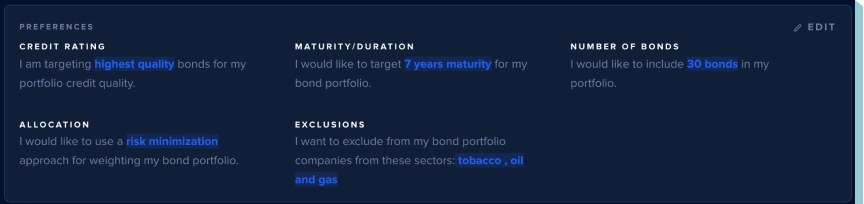
What I found in the product
Documentation
Taking inventory of everything
I documented every existing button, icon, type style and color, and organized them by category and where they lived in the product.
different buttons in the product
typography styles, counting line height and letter spacing
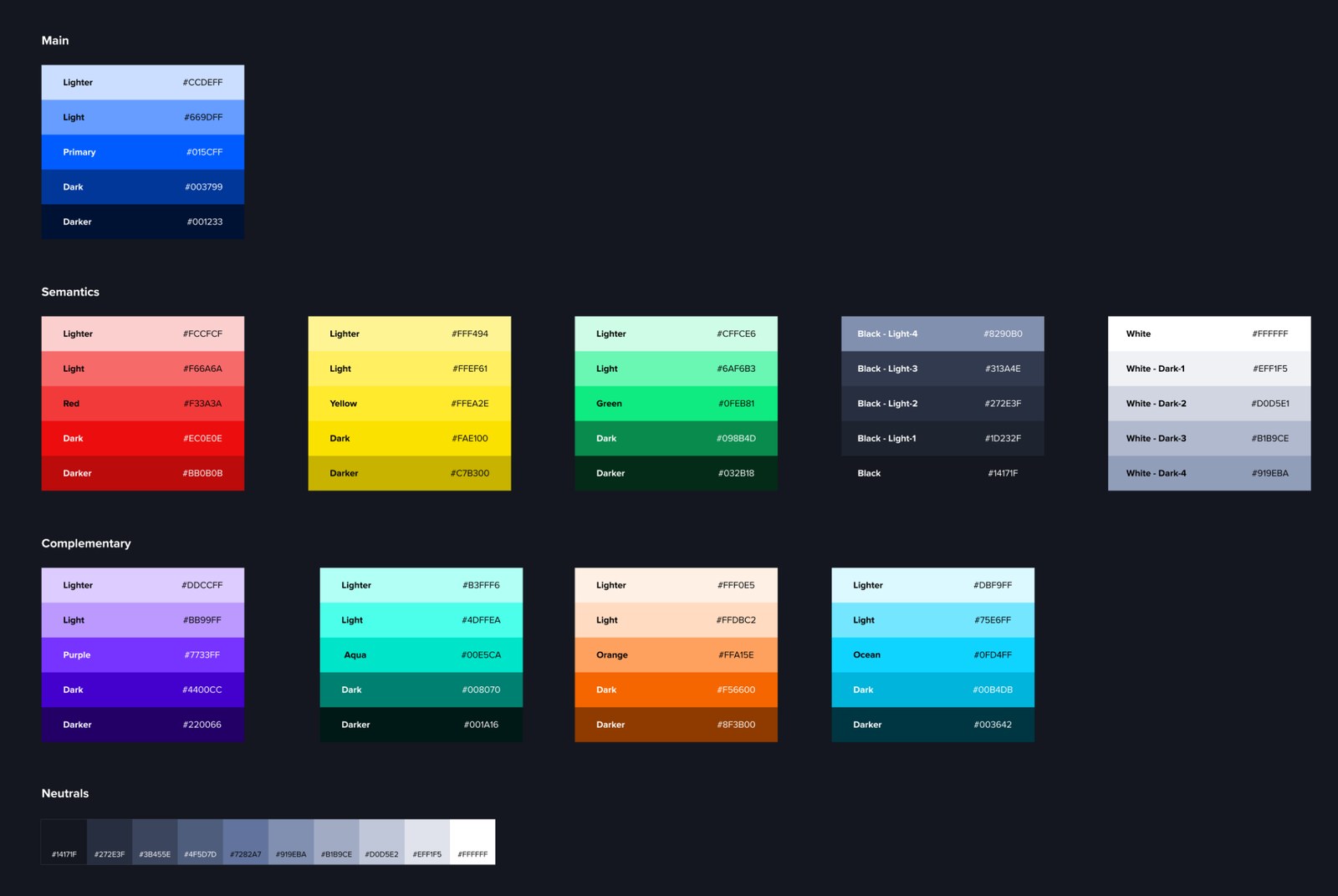
Color
From "too blue" to a real dark mode
The dark theme was so blue that the primary color couldn't stand out. With the two other designers on the team, I rethought the palette to get a true dark mode feel.
Components
Agreeing on the rules together
I led design sessions to review every component, decide what to keep, and set rules for when to use each one. Then I mapped out the variants. For typography, that meant:
Before → after
Every screen, rebuilt with the new library
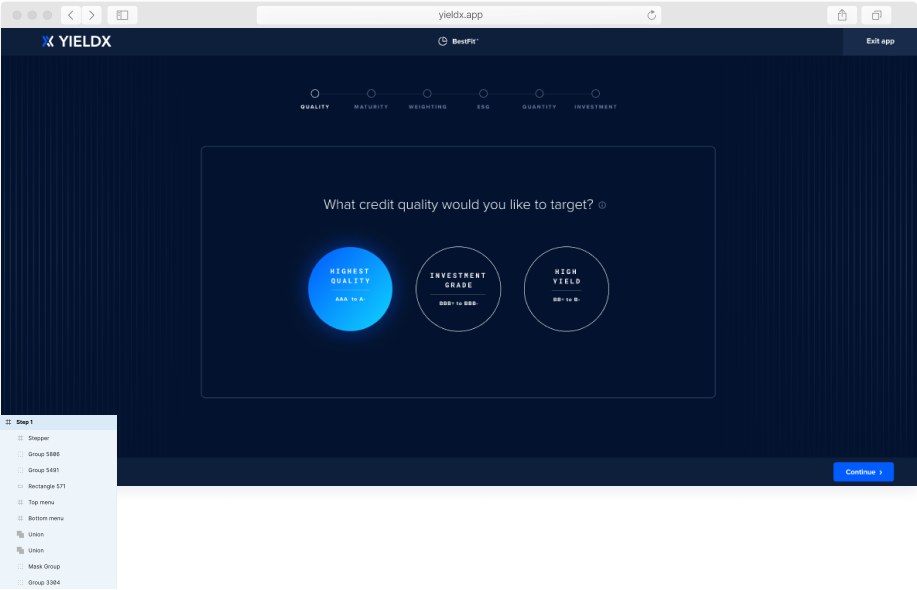
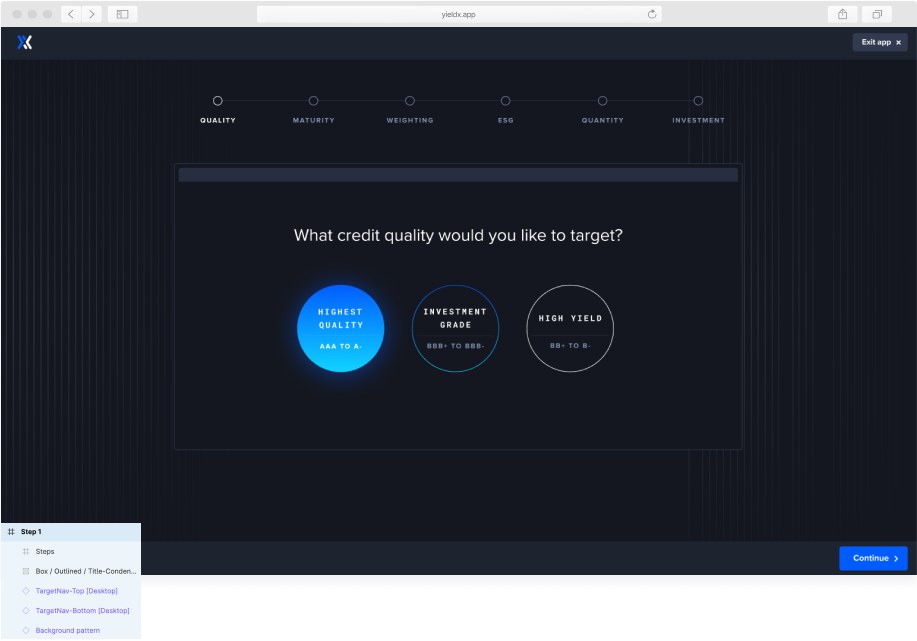
The team redesigned all product screens with the new component library and handed them off to developers. Even the Figma layers went from "Group 5491" to named components.
Measuring success
Early results after handoff
It was also a great way to build a strong relationship with the tech team, explain the reasoning behind each change, and teach developers about Figma.