Future-proofing Teachable's App Hub
 ZZoomCCalendlyWWordPressHHotjar
The problem
Creators weren't using the App Hub, so they couldn't bring their favorite tools to Teachable.
- A confusing interface
- Limited integrations
- Poor discoverability
Strategy
Three phases to build a real marketplace
Redesigning the App Hub
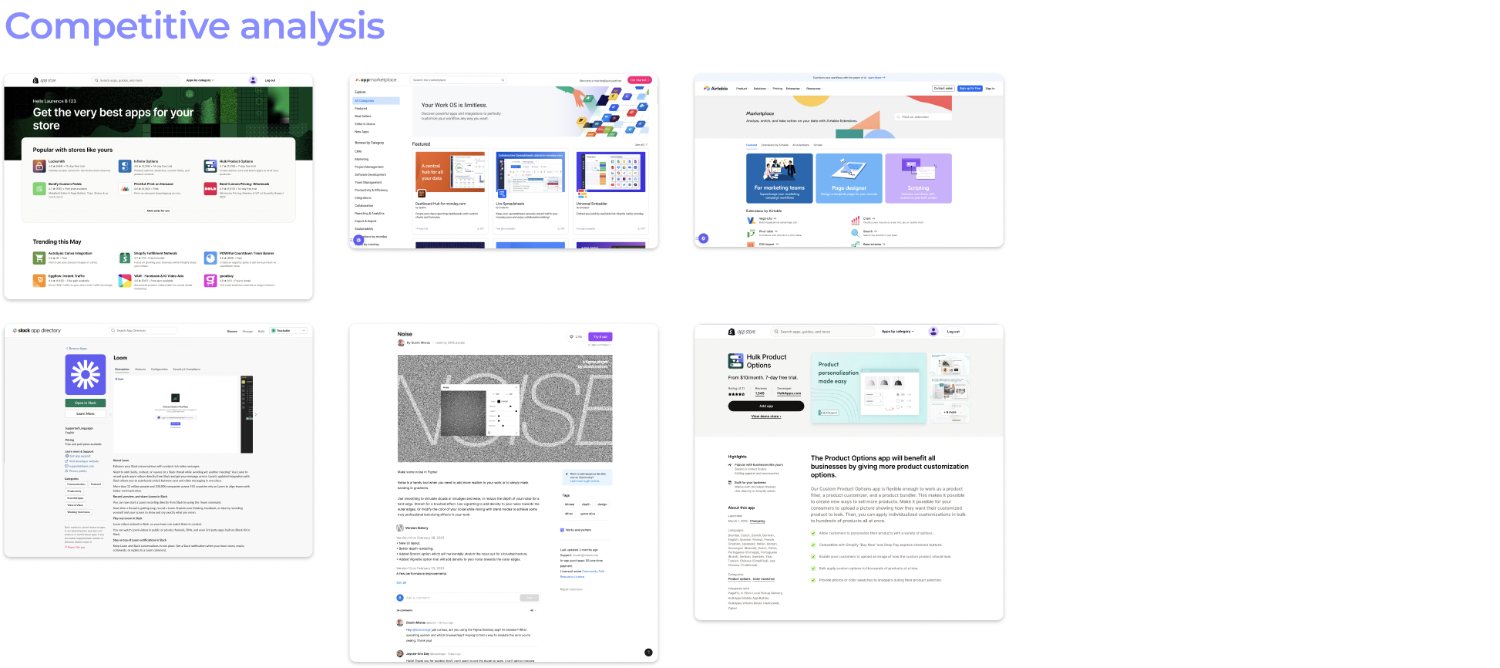
Learning from the best app marketplaces
- Researched competitive app marketplaces
- Better categories, clearer instructions and richer app cards
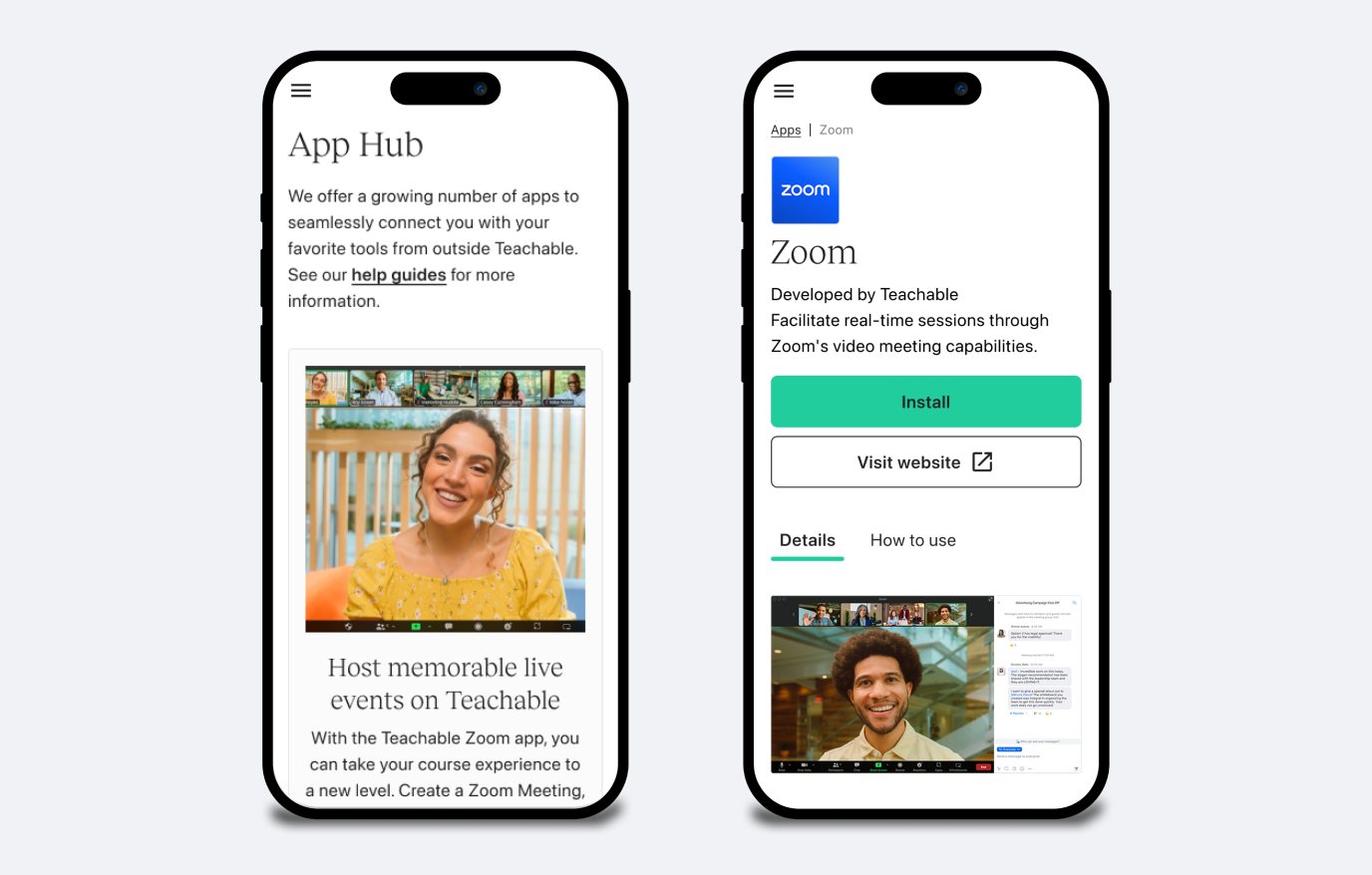
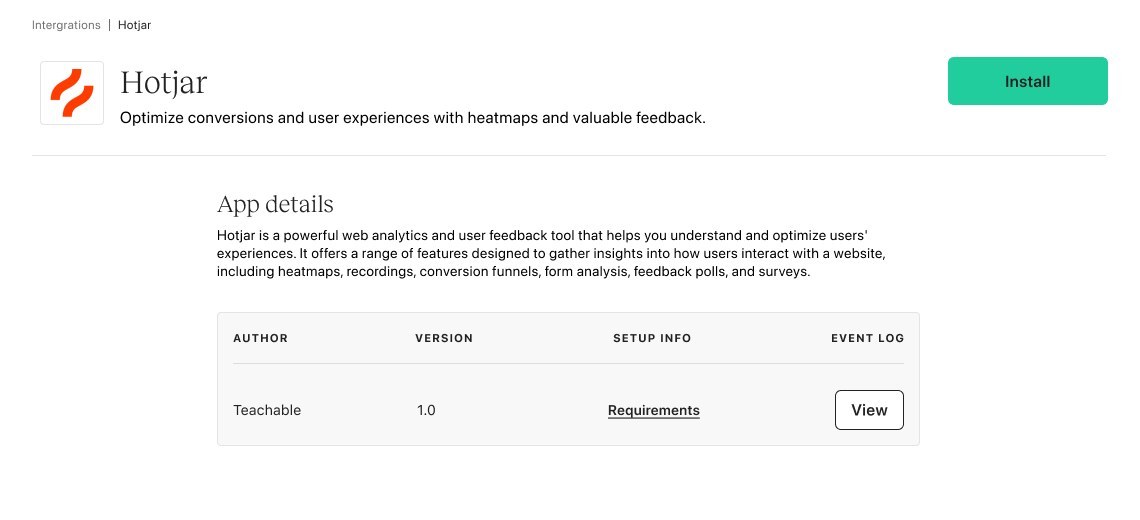
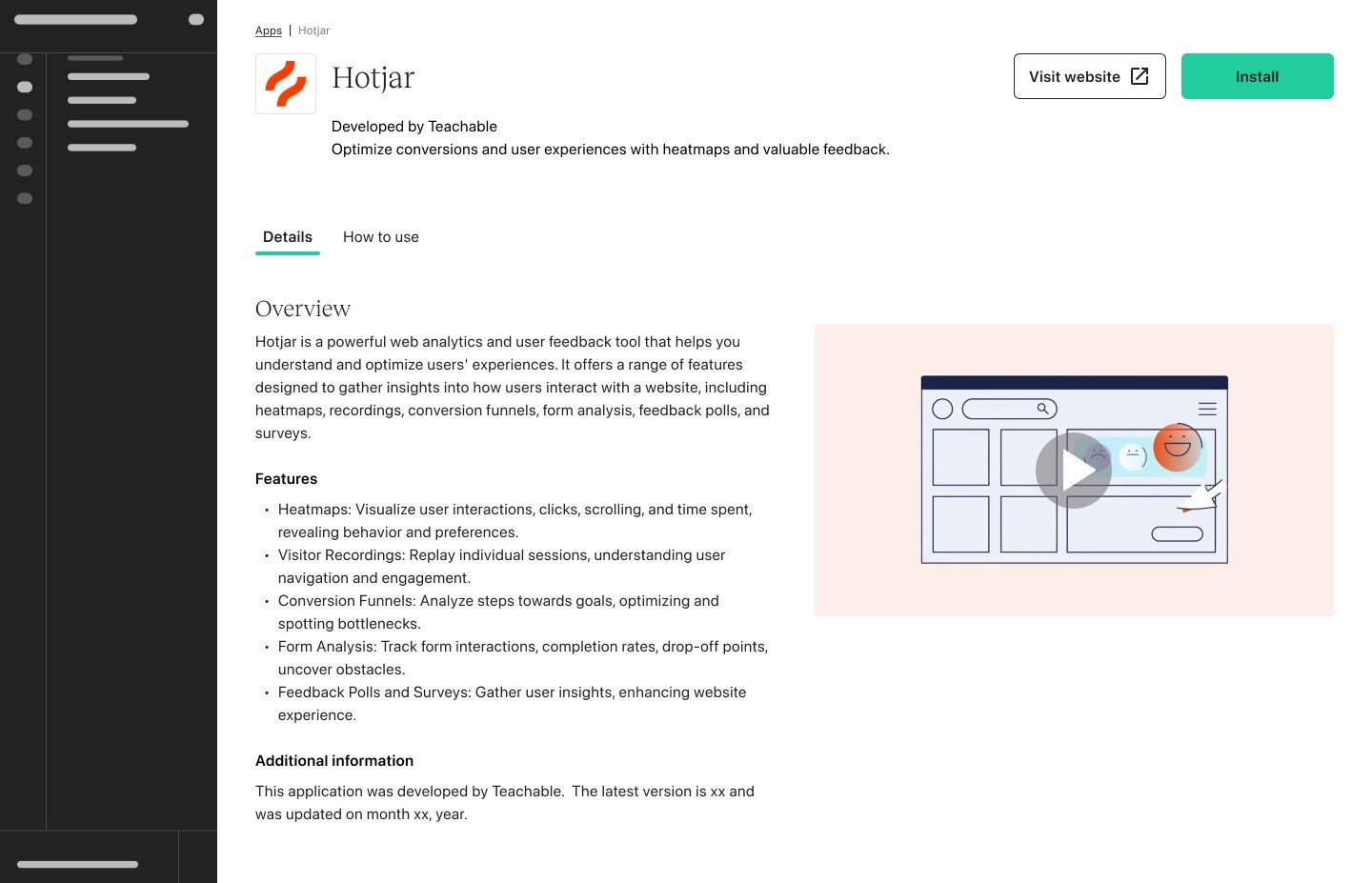
- Separate tabs for app details and how-to guides
Before → after
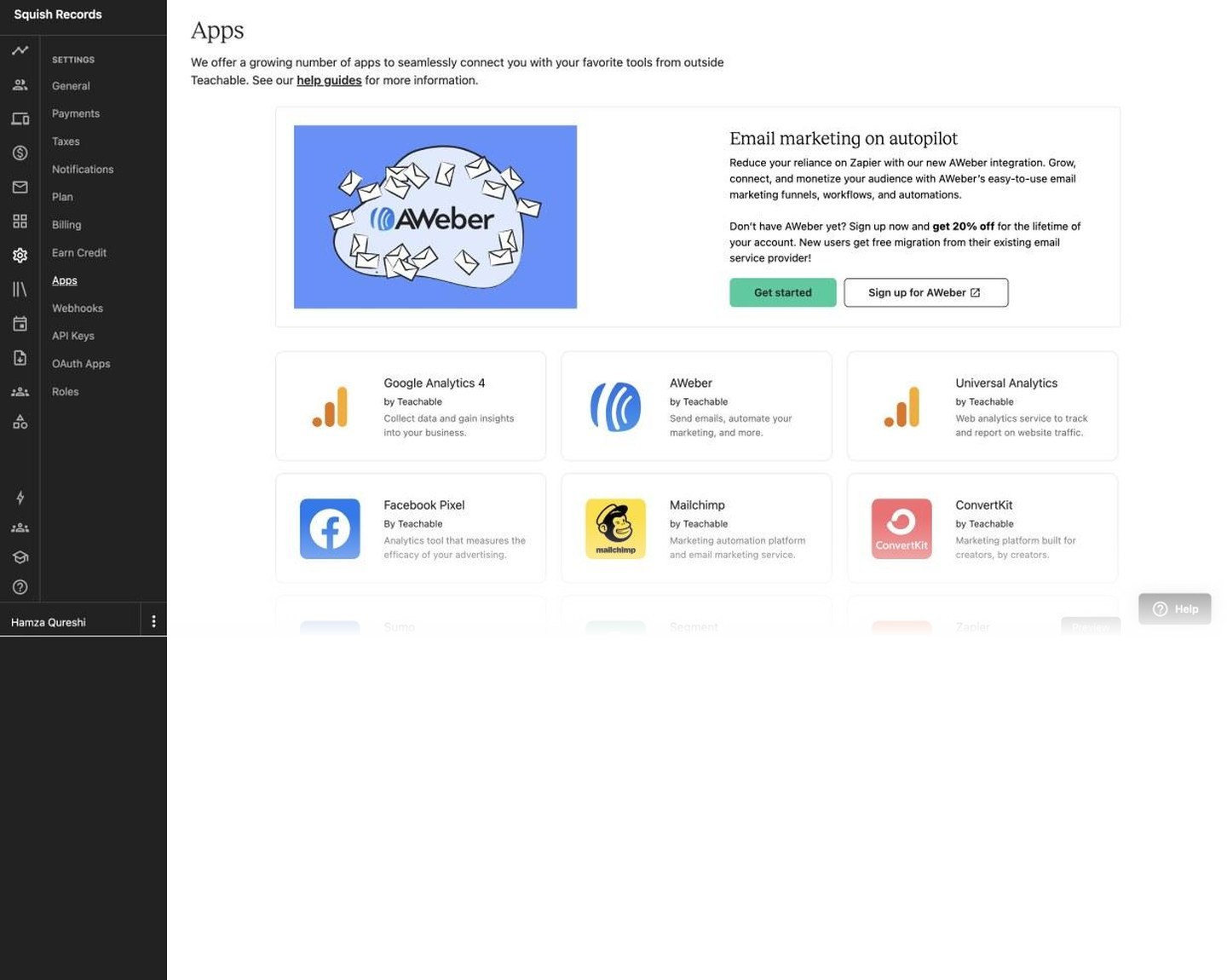
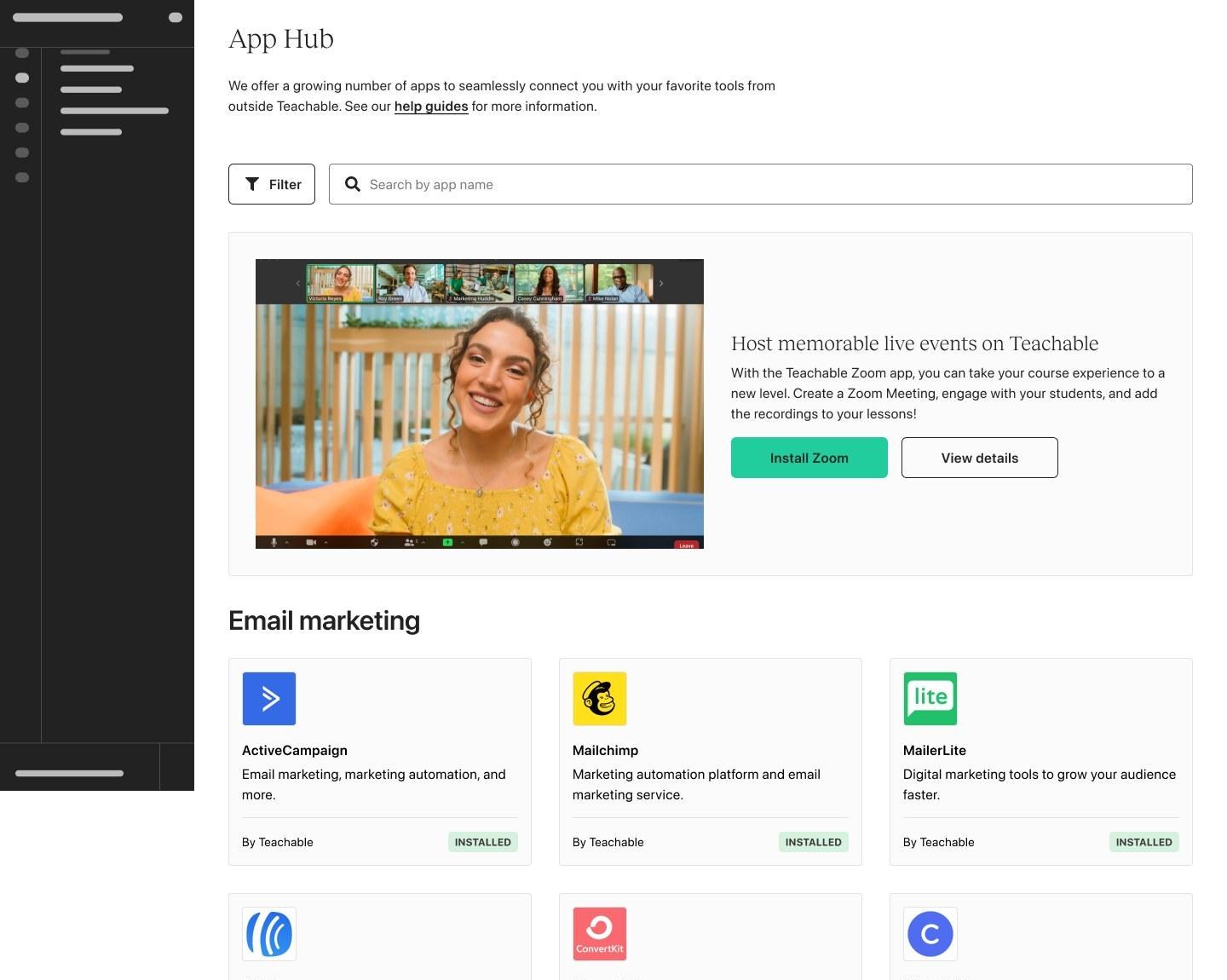
Drag to compare the old Apps page with the new App Hub.
- Renamed "Apps" to "App Hub" to make it clearer
- More responsive app cards and a featured app banner
- App cards with developer info and status tags
- Simpler technical info, with tabs, videos and images for different ways of learning
App Hub
An interactive recreation: filter by category to see the richer app cards, with developer info and status tags.
Launching flagship apps
Building the integrations creators asked for most
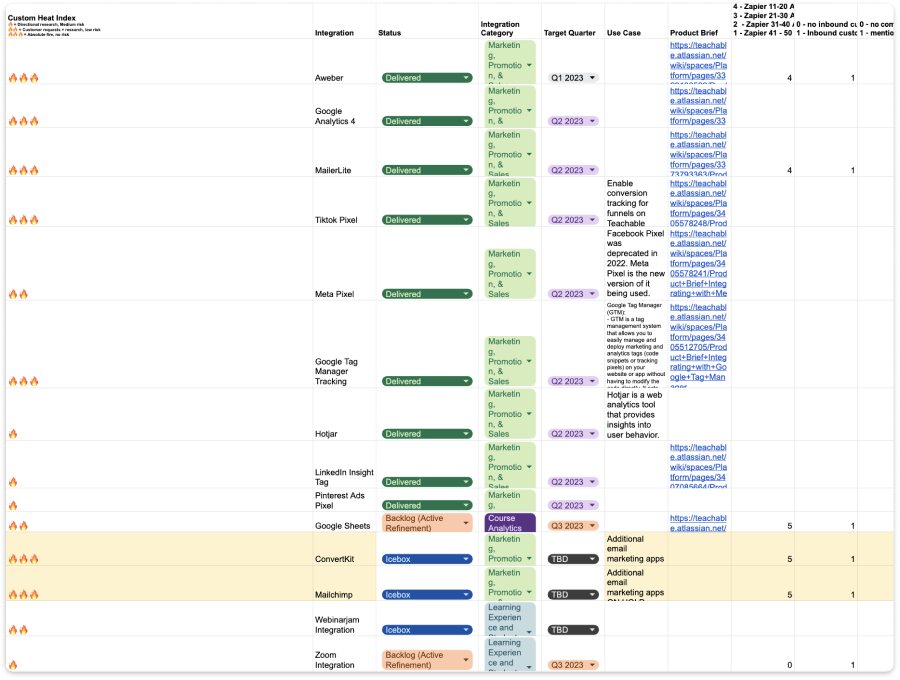
- Found the top-requested apps through surveys, feedback and Zapier data
- Designed smooth setup flows for each key app
- A WordPress plugin brings Teachable checkout to creators' own sites
Increasing app adoption
Showing the right app at the right moment
- Contextual nudges and onboarding prompts
- In-product messages at key moments
- Launch strategy shaped with marketing
Teachable integrates with your Zoom account
Install the Zoom app and start creating efficient and engaging student interactions!
Upgrade required to use Zoom
Upgrade your plan to add Zoom events to your Teachable courses.
- Unlimited app installs
- Unlimited published courses
- 0% transaction fee
- Unlimited app installs
All paid plans include education and training, plus a 30-day money-back guarantee.
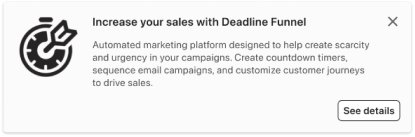
The same pattern works across the product, like this nudge suggesting Deadline Funnel to creators working on sales.
Try it: press Install Zoom, pick a plan and hit Next. Contextual nudges and a one-click upgrade help creators discover useful apps at key moments, with clear, short instructions.
The result
The App Hub tripled, from 10 integrations to 30, including the flagship apps creators asked for most.
Some of the apps creators can now find in the App Hub.
Key learnings