Using AI to accelerate creators' Day 0 content readiness
Context
Teachable is an online course platform where creators build, market and sell courses and coaching.
Creators were already using AI. Teachable wasn't.
of creators already integrate AI into their business. Competitors were using AI as a core acquisition strategy.
The problem
Most creators would rather edit something than start from a blank page.
- Creating a course from scratch was slow
- Most creators needed guidance along the way
- Teachable's tools felt clunky and outdated
The bet
Faster creation, more published courses
Design approach
From OKRs to shipped AI tools
- 1Set goalsDefined H2 OKRs with my PM, aligned to company targets
- 2BrainstormLed a session with pod leads and stakeholders on AI for creators
- 3IterateExplored many versions balancing automation with user control
- 4Refine with engineeringTuned AI output quality and usability together
Solution
Three tools for three different needs
Try it
From a blank lesson to a first draft
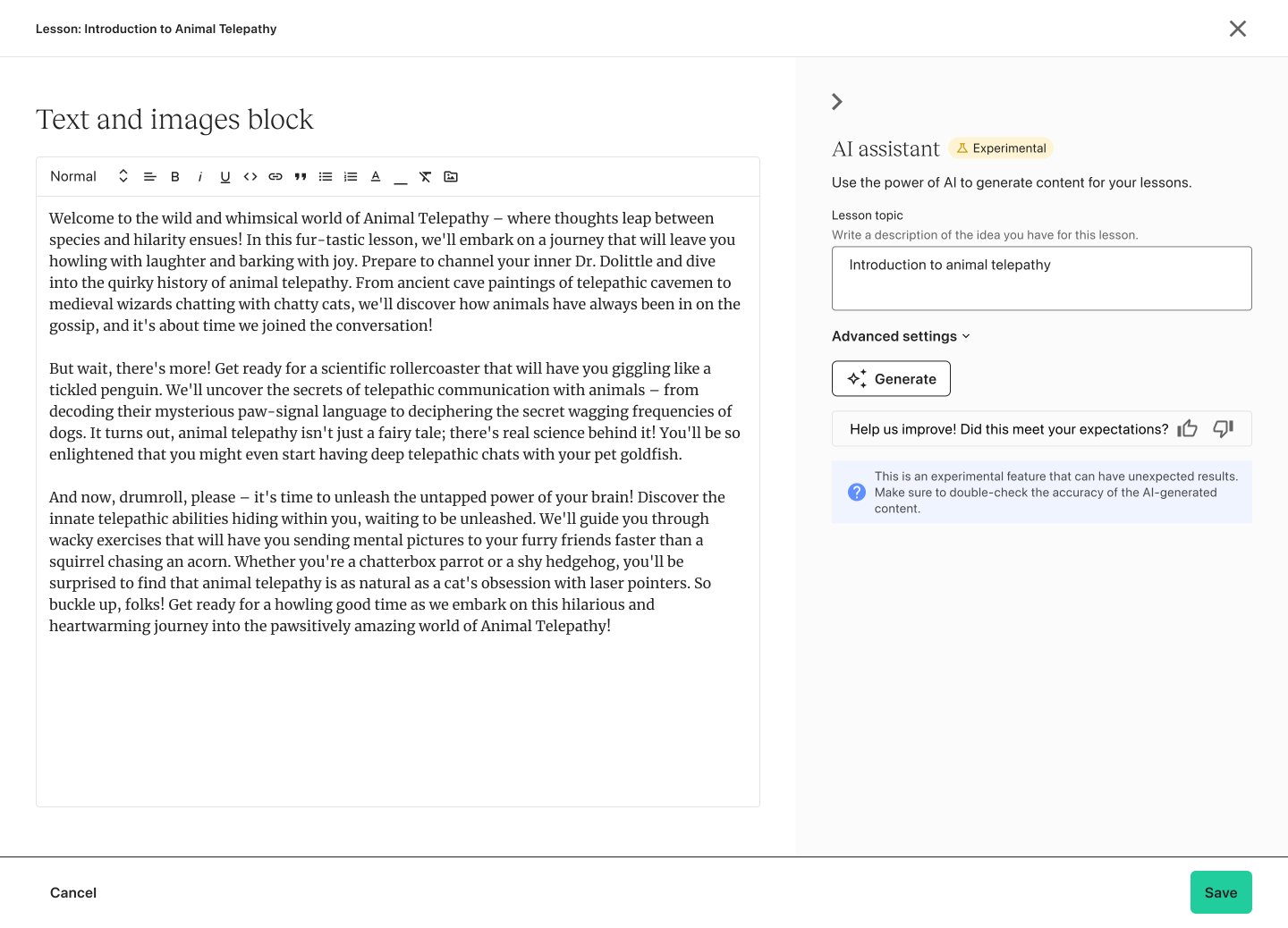
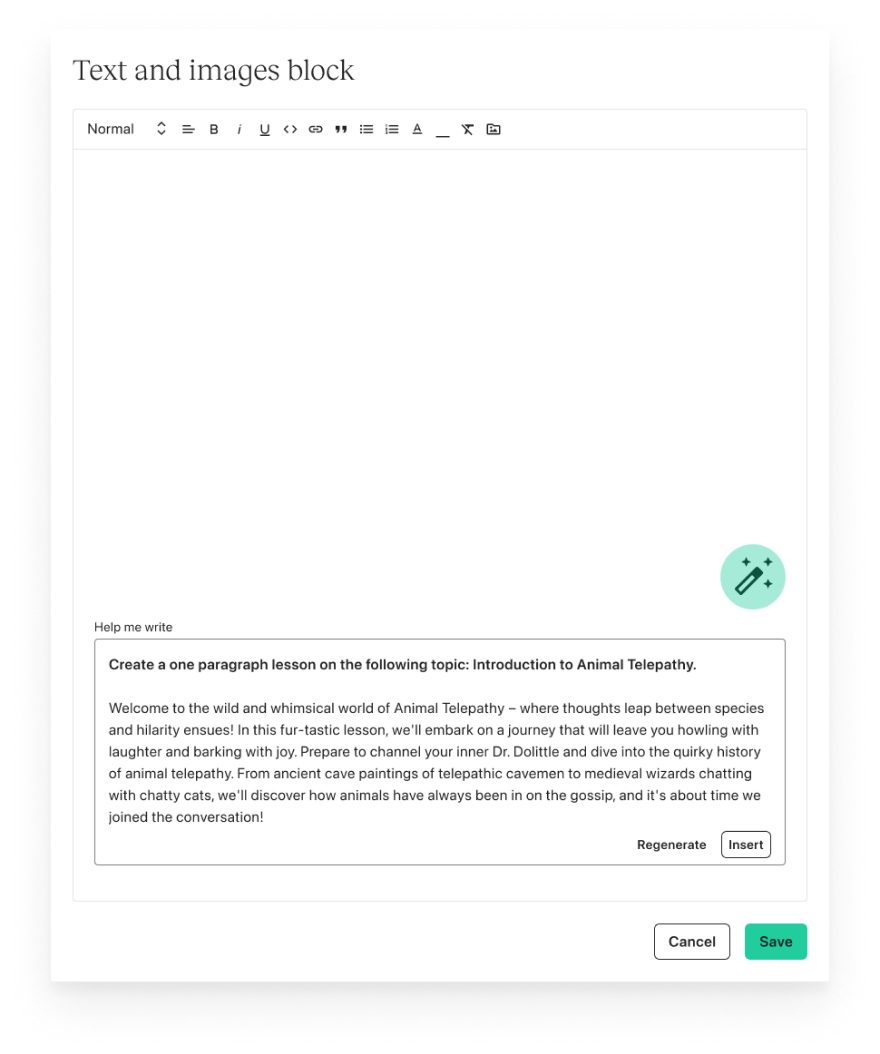
The AI Writing Assistant sits next to the lesson editor. Pick a topic, or write your own, and press Generate.
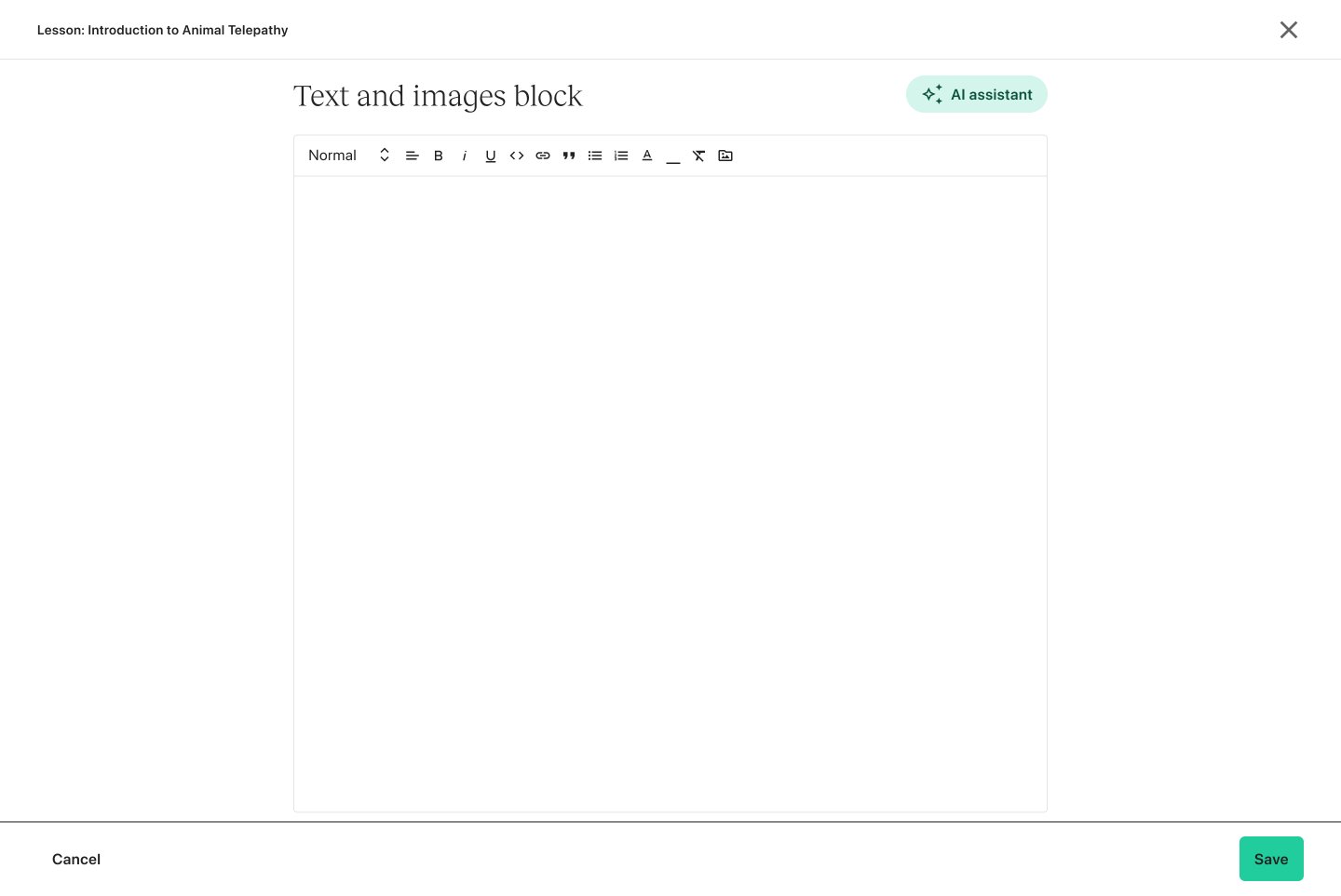
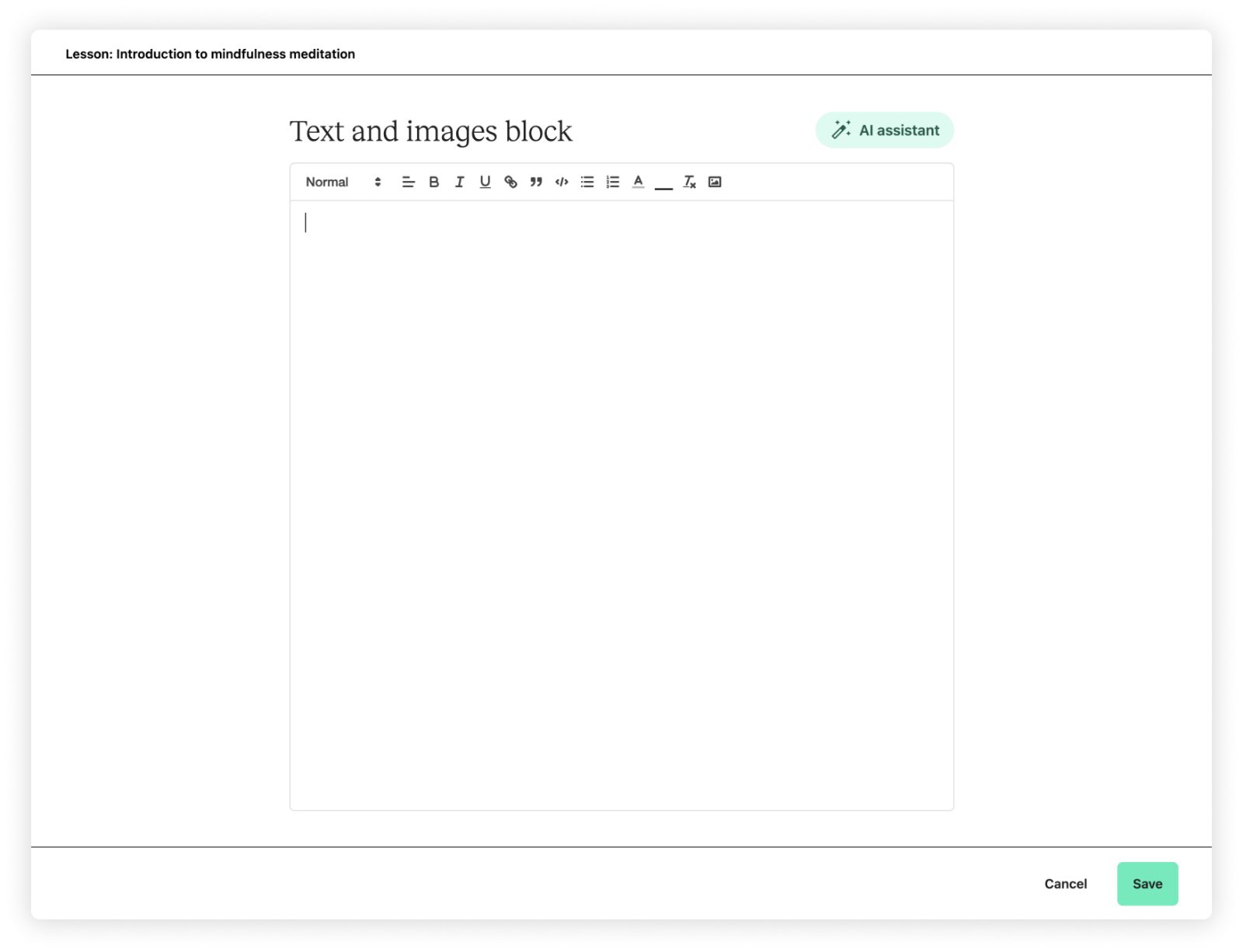
Text and images block
Start writing, or let the AI assistant draft this lesson for you…
Use the power of AI to generate content for your lessons.
An interactive recreation of the shipped design. The demo writes its own sample text, it isn’t calling a real AI model.
Iterations
Two key decisions
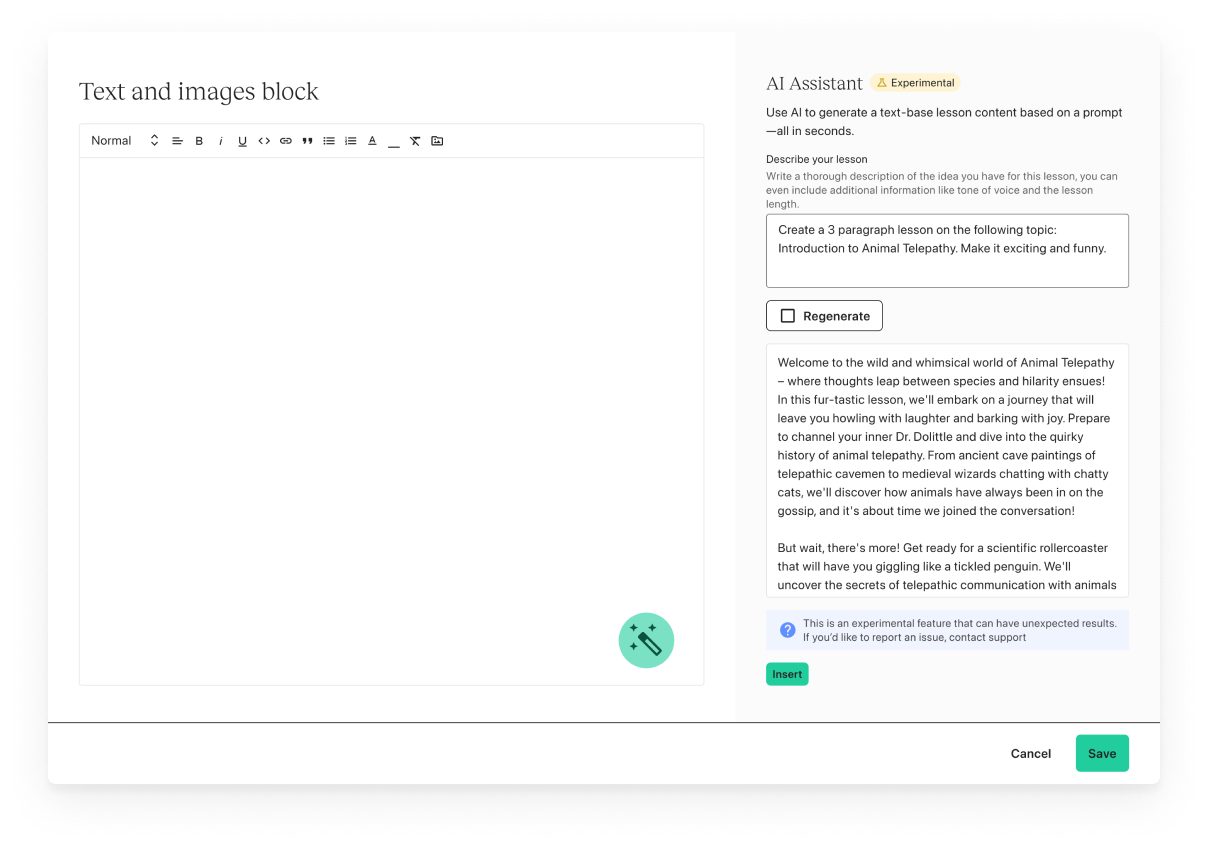
AI Writing Assistant
An AI button inside the existing modal felt cramped, so I moved to a full-screen experience.
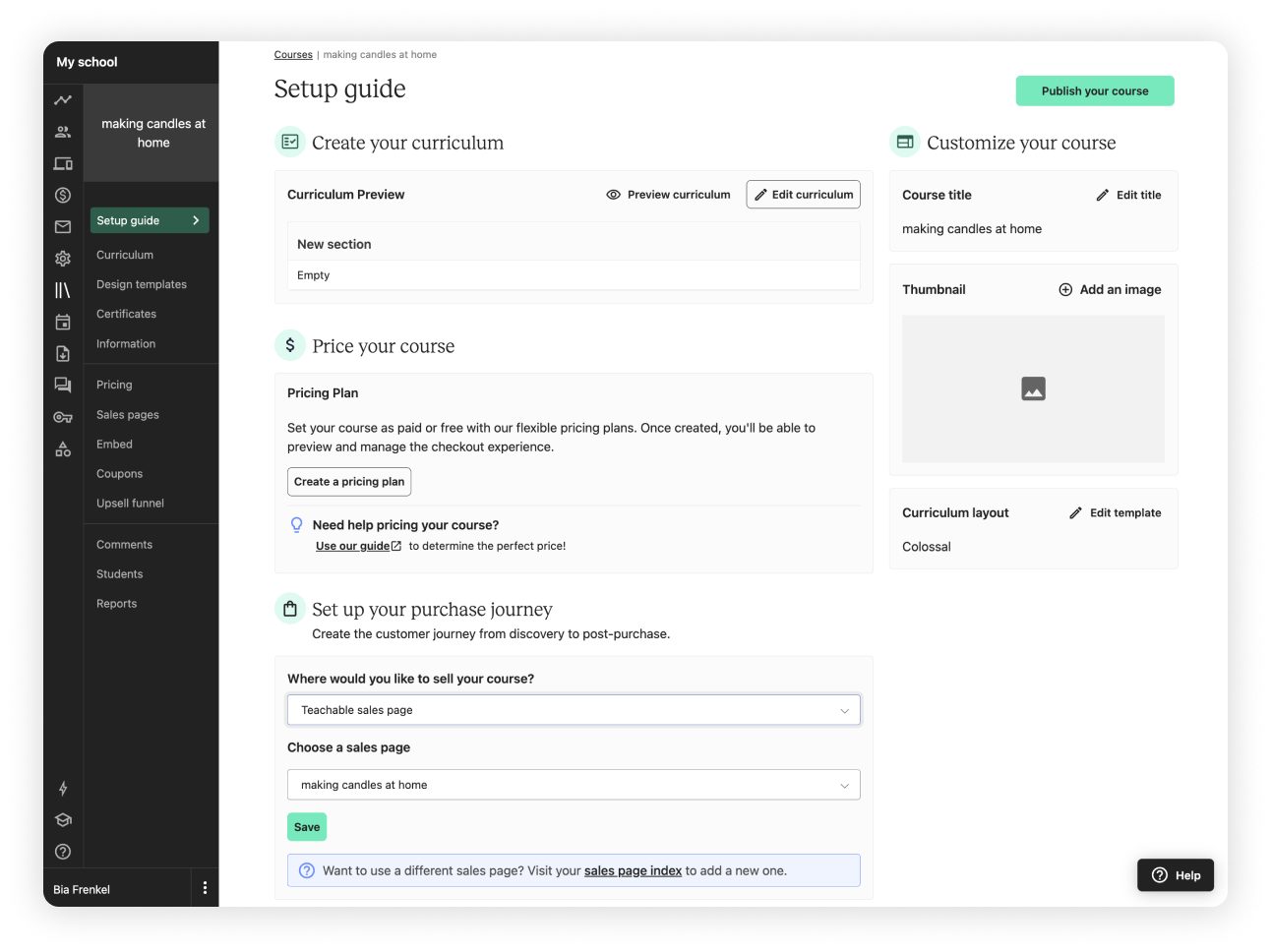
AI Course Starter
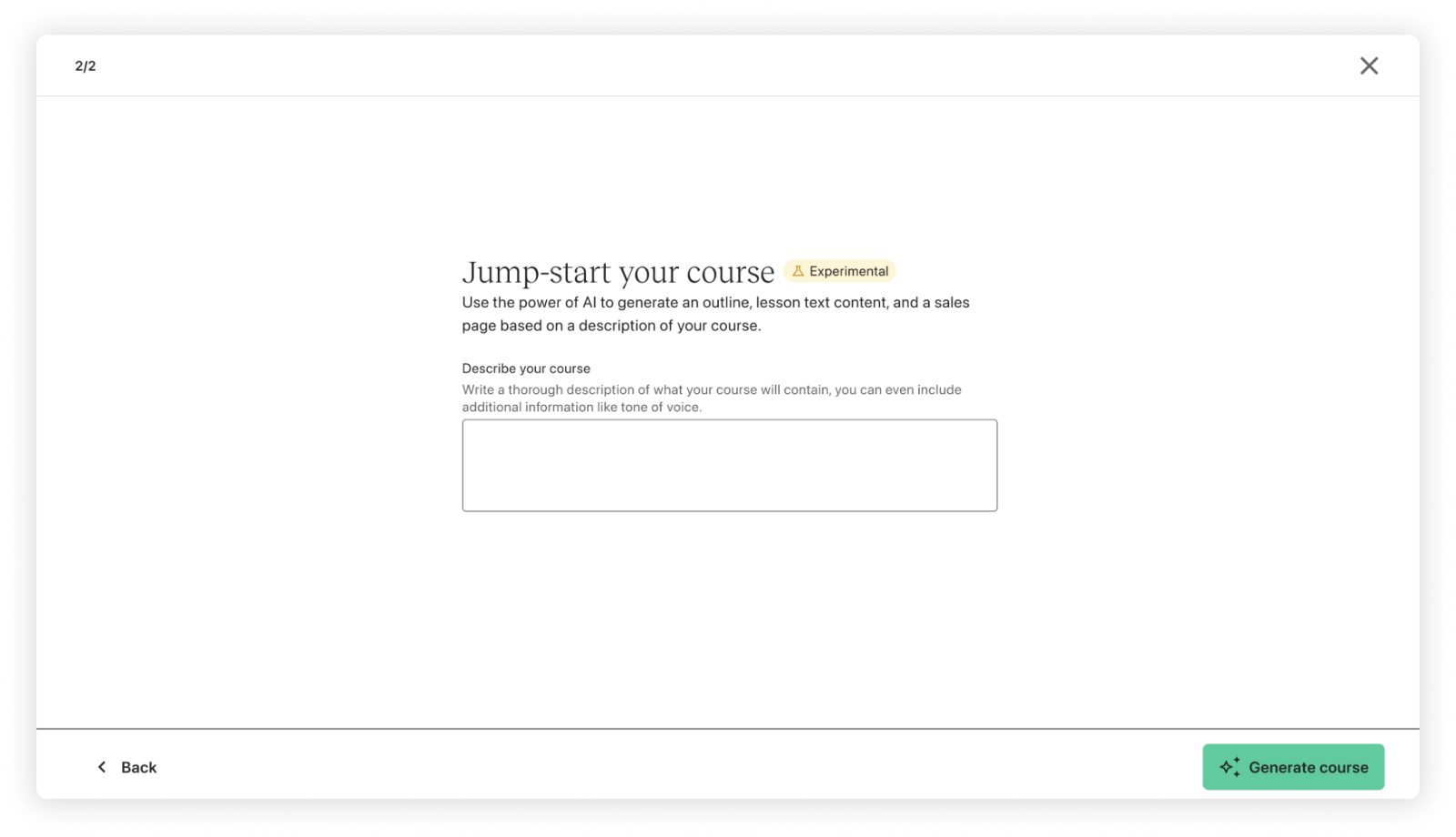
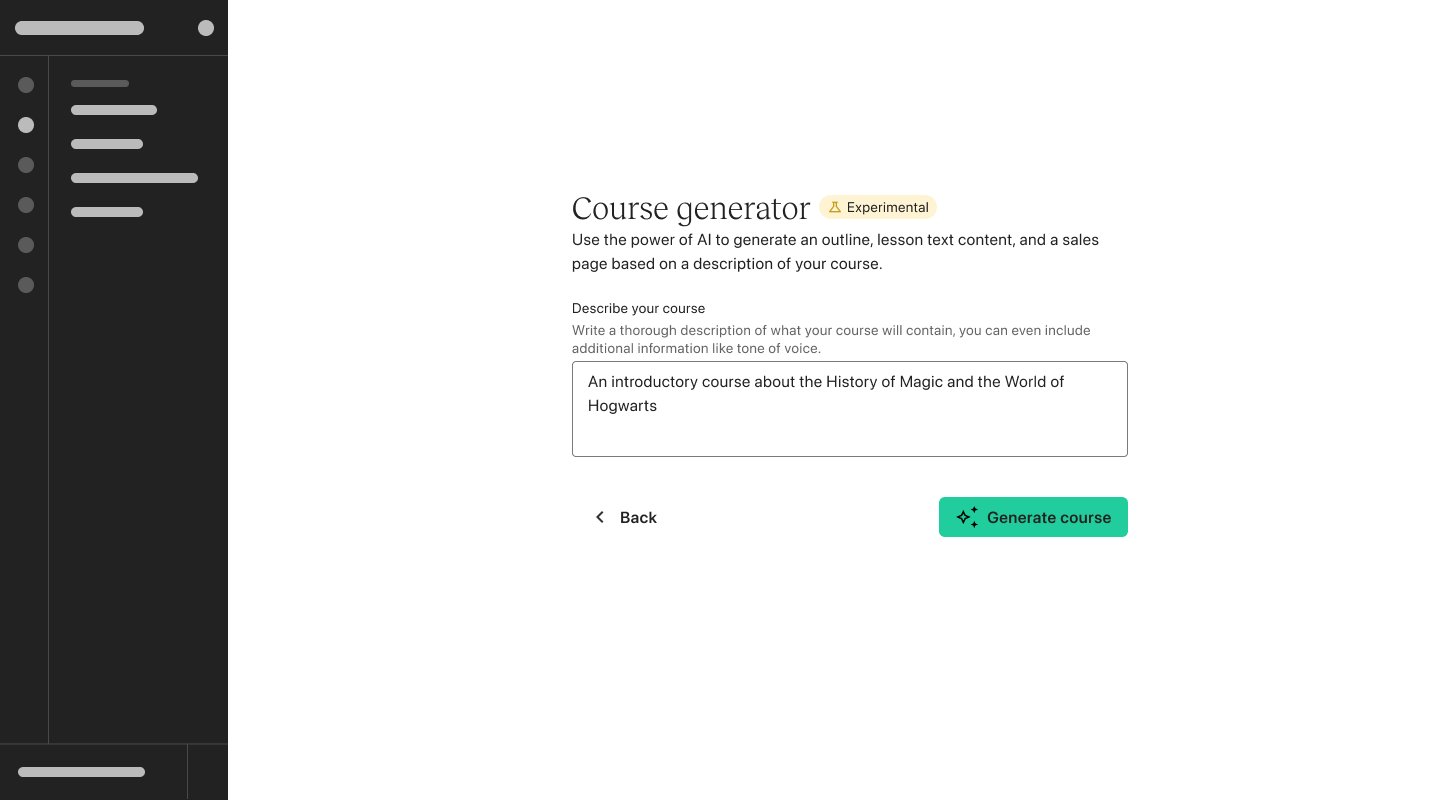
A two-step flow: describe your course to generate an outline, then review the full course draft.
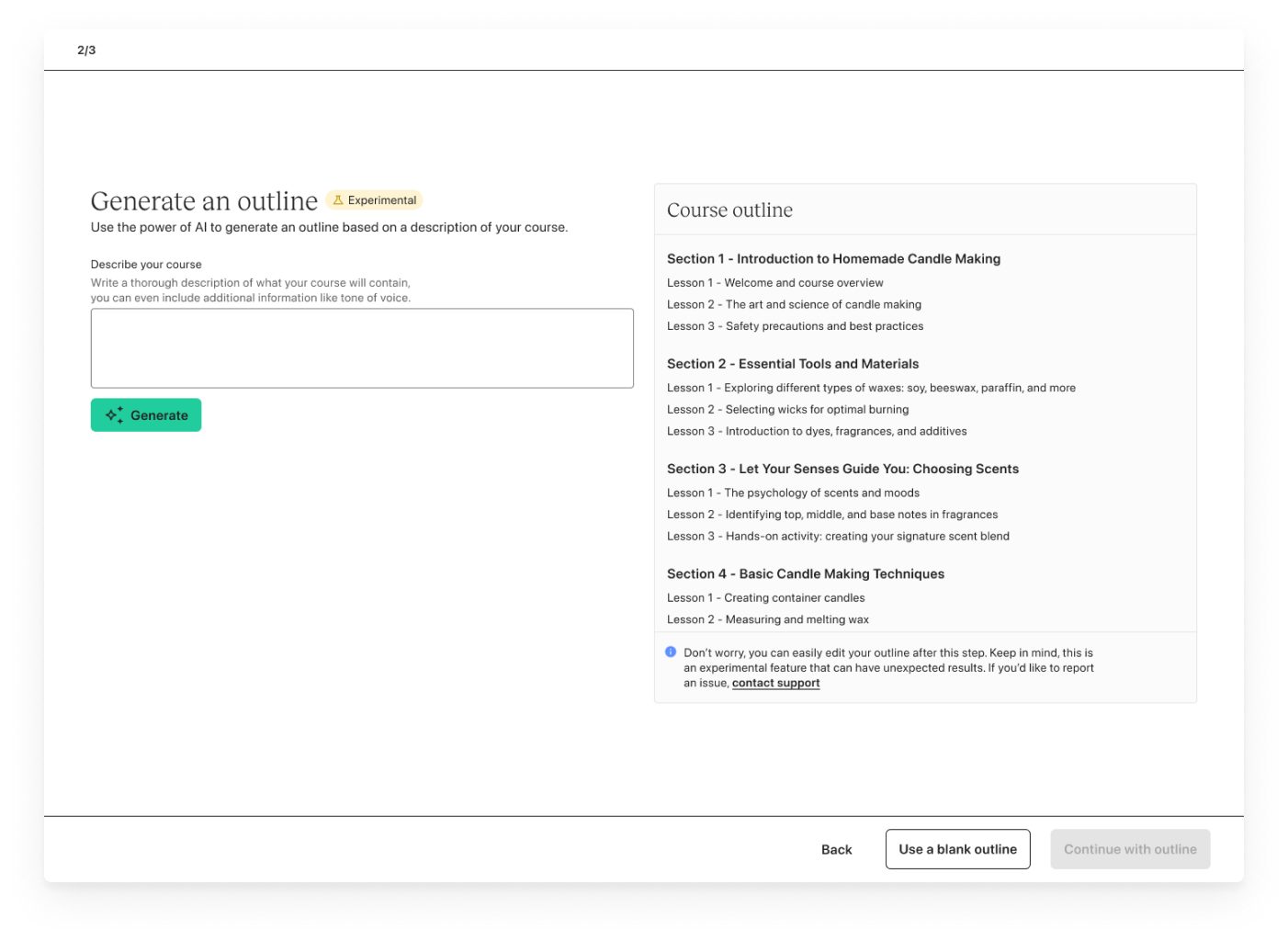
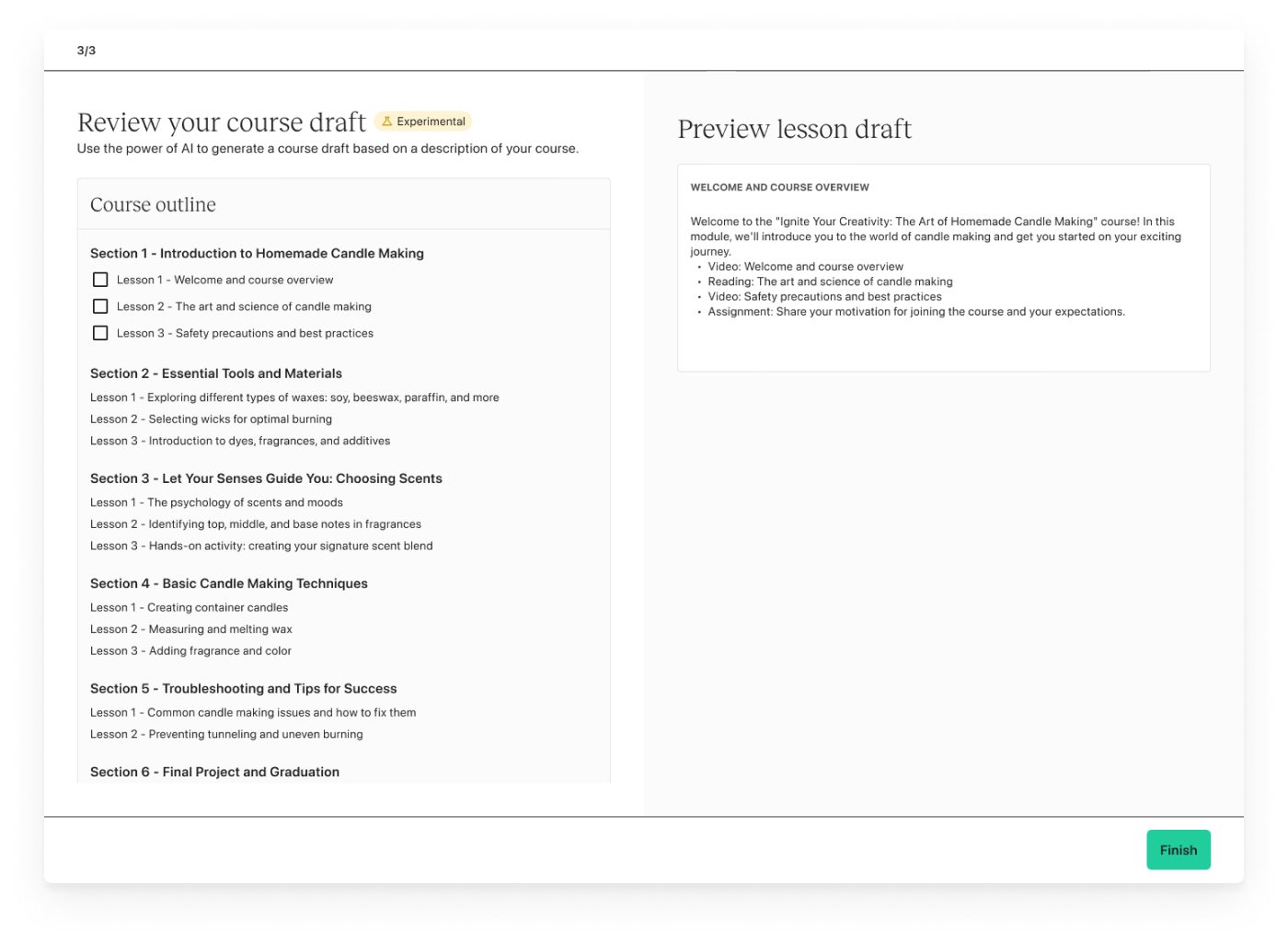
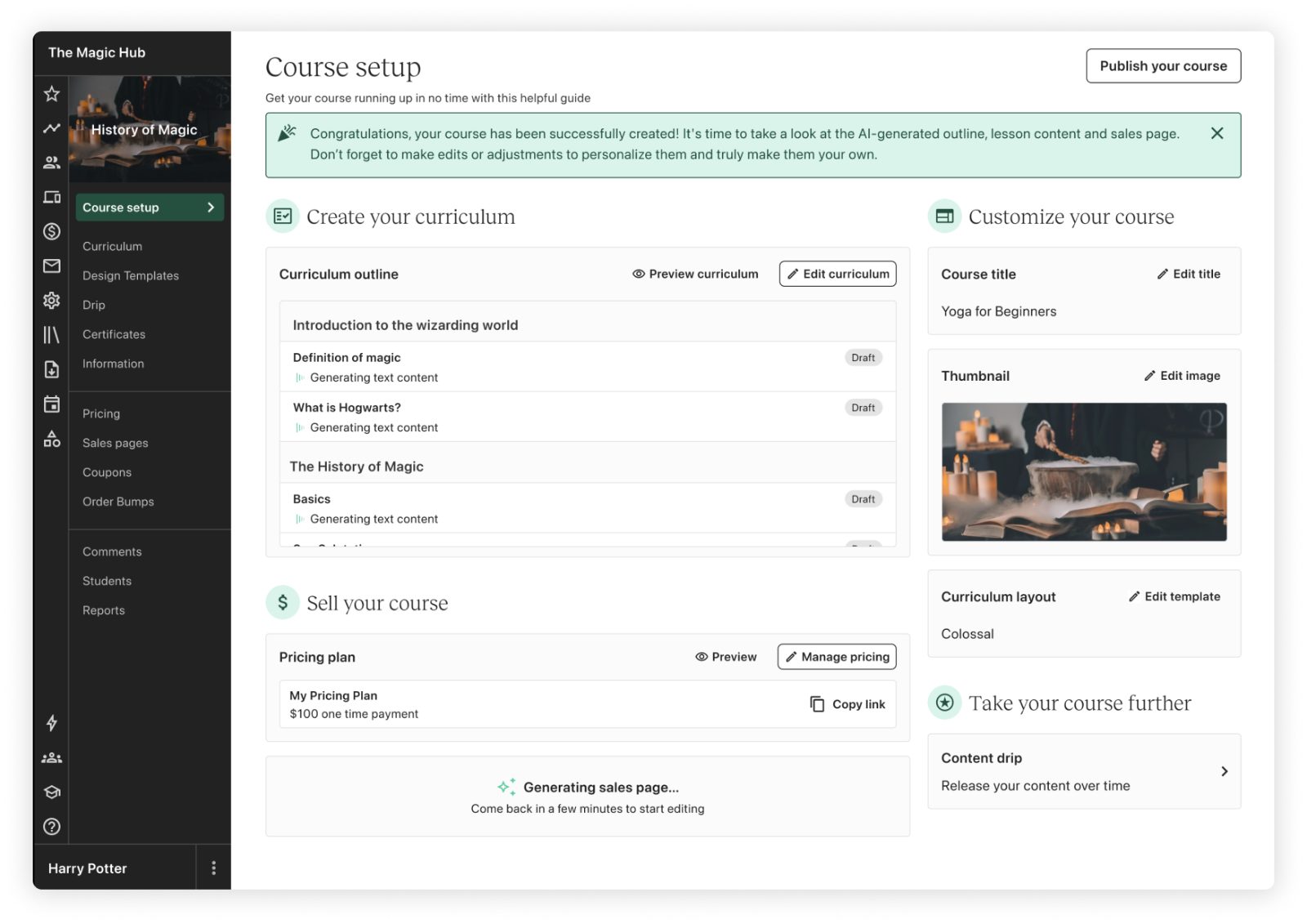
Key decisionGenerating everything this way was lengthy and slow, and risked drop-off. So I worked with developers to make the loading state asynchronous: creators keep working while AI content loads in the background.
Curriculum
History of Magic- ⋮⋮IntroductionGenerating…
- ⋮⋮What magic meant in the ancient worldGenerating…
- ⋮⋮Magic in medieval folkloreGenerating…
- ⋮⋮Tips for completing this courseGenerating…
- ⋮⋮How to join our communityGenerating…
Lessons fill in one by one in the background. Creators can rename, reorder and edit the outline in the meantime, instead of staring at a loading screen.
Final designs
What shipped
AI Writing Assistant
Generates lesson content inside the lesson builder
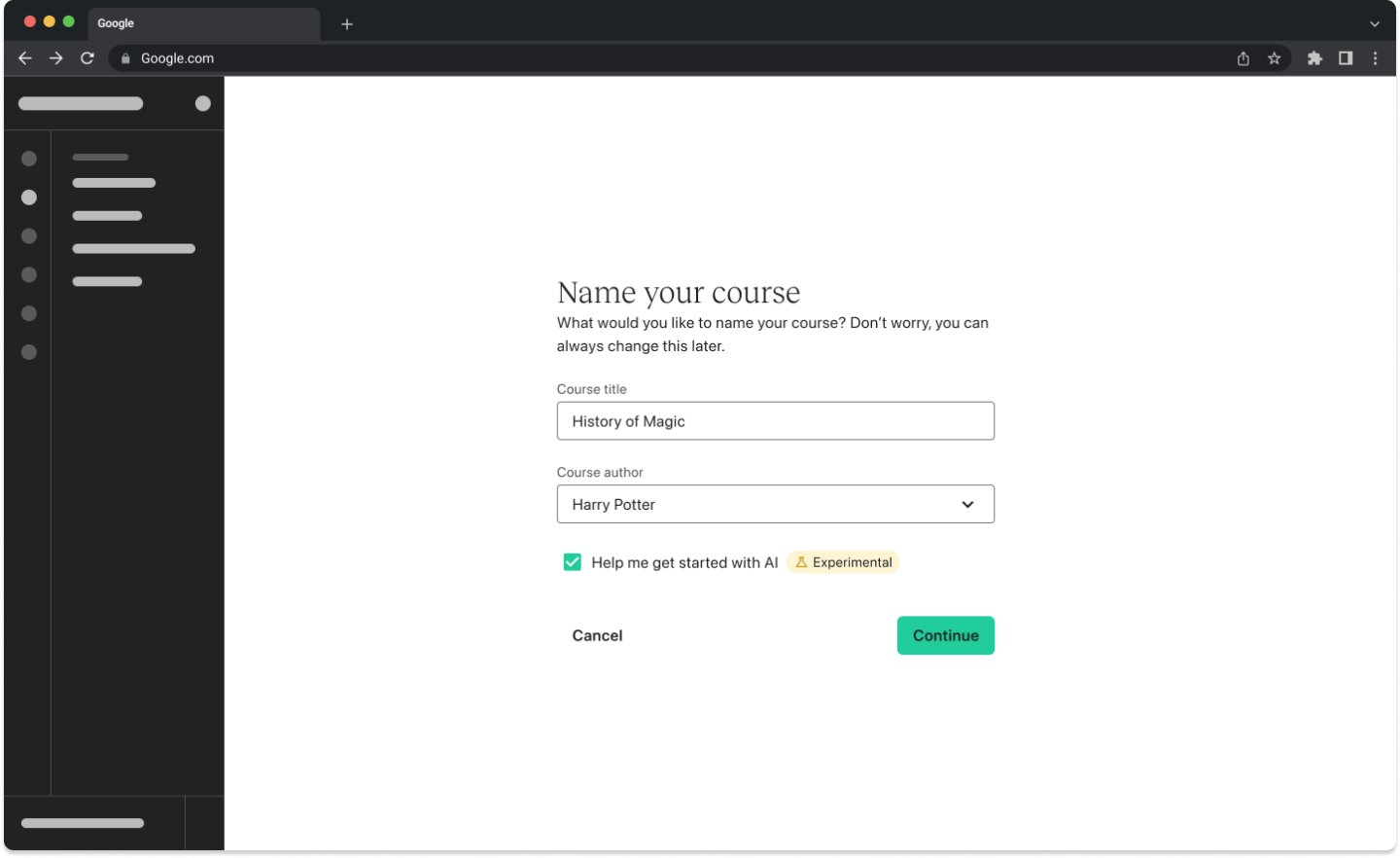
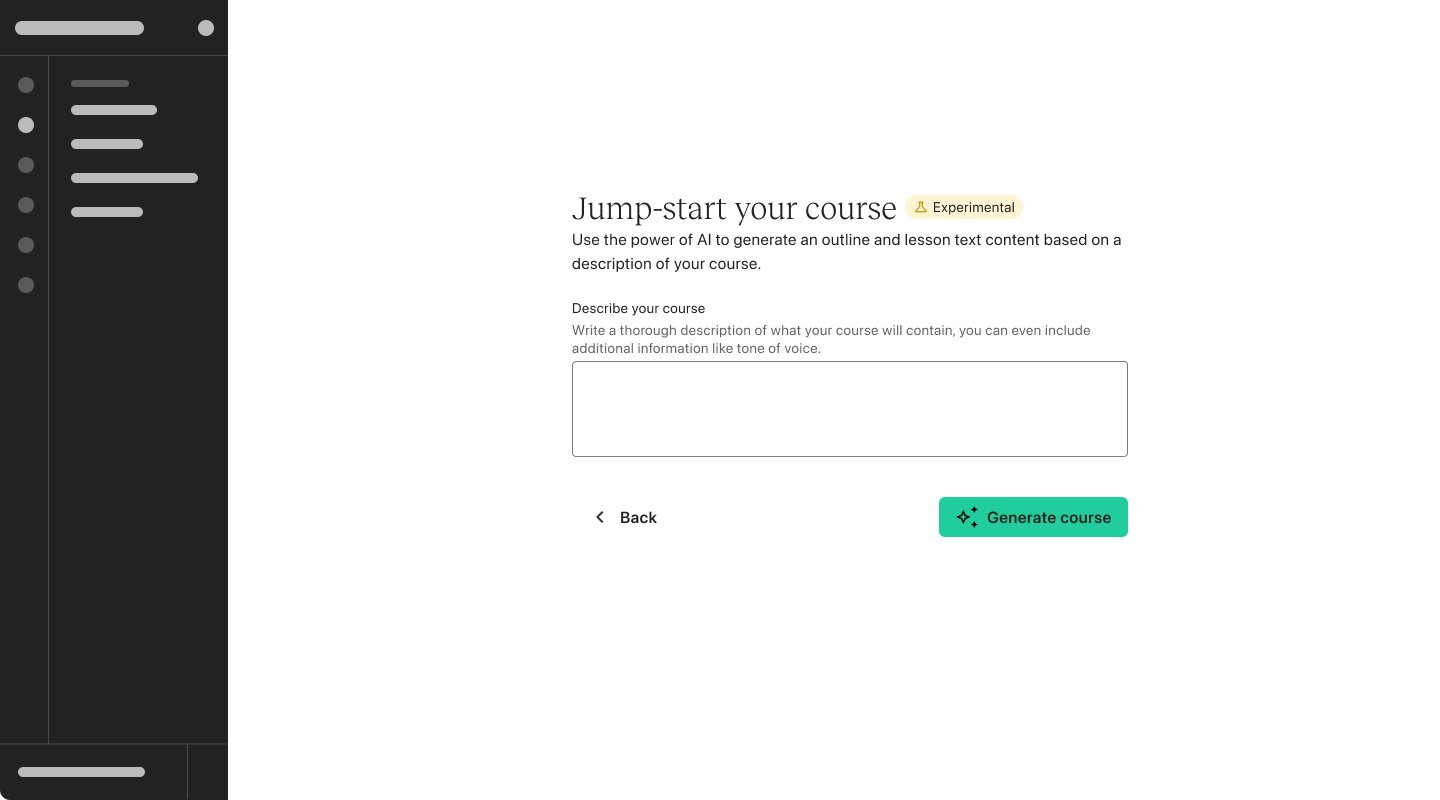
AI Course Starter
Turns a short course description into a full course and sales page
Key learnings
What I'd carry forward
By balancing AI automation with user agency, we built a scalable feature that removed friction for creators and drove business results.